
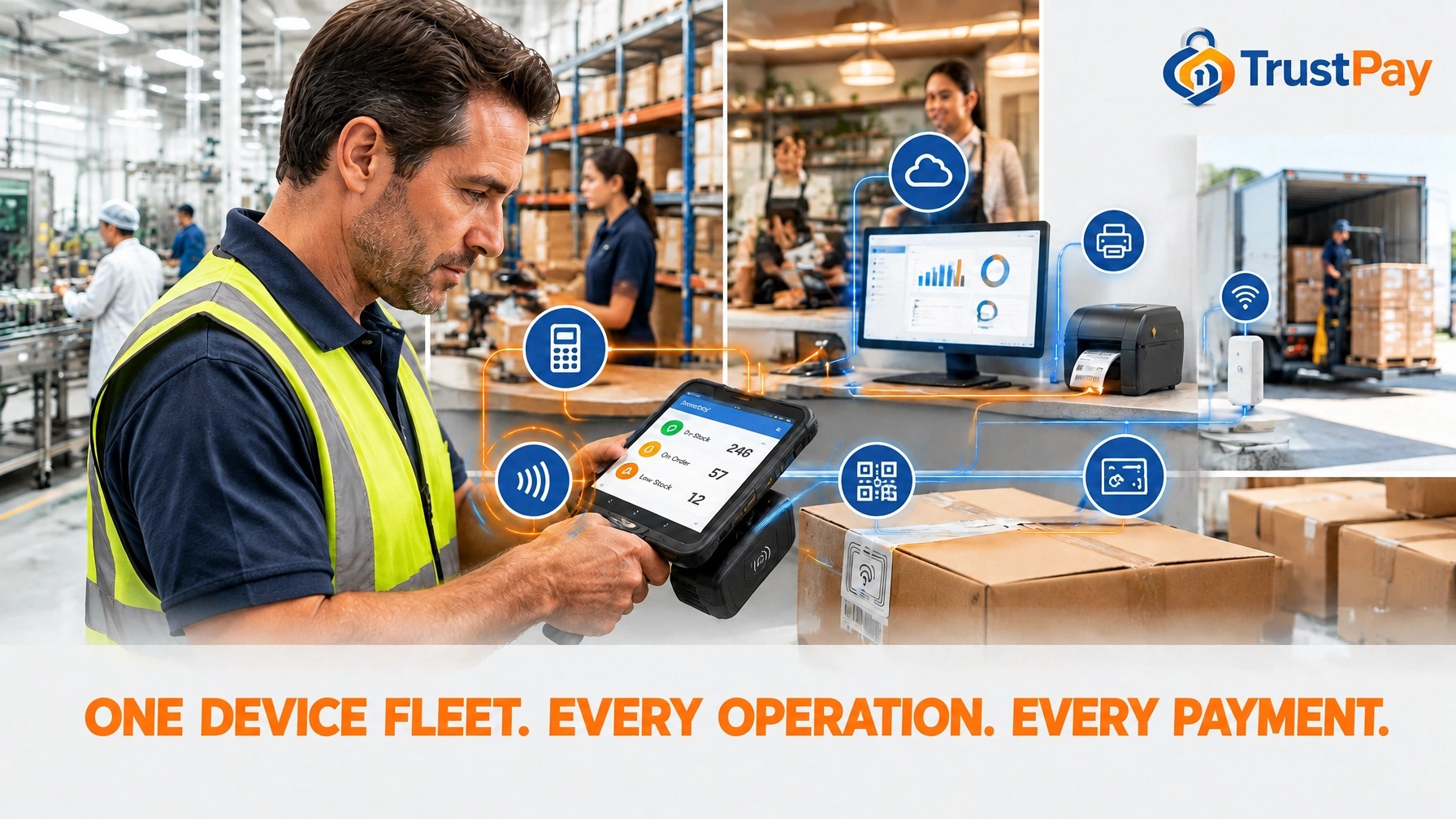
One Device Fleet. Every Operation. Every Payment.
Executive summary
Payment solutions are no longer just the final tap at checkout: they connect people, inventory, orders, and money across the business. A common Android platform paired with rugged AIDC and RFID devices gives teams a more consistent way to capture data, move work forward, and accept payment across manufacturing, retail, hospitality, and mobility.
Remember this: the same smart mobile device that scans a shelf or a work order can also take the payment. Crypto, QR codes, cards, and digital wallets run on the device already in your team's hand. That is the bridge to SoftPOS: no extra terminal, no second device, just payment acceptance on the go with more control for the retailer or the B2B team collecting in the field.
The long-term win is not putting identical hardware in every employee's hand. It is building one connected device ecosystem: choose the right screen, scanner, RFID reader, printer, and dock for each workflow, then connect those tools to POS and ERP systems through a deliberate integration plan. That foundation can make operations easier to manage now and more prepared for AI-powered tools through 2030.
- Standardize the platform: Android gives teams a flexible application foundation. Counterpoint Research says Android made up about 48% of POS terminals shipped in 2025 and projects about 70% by 2032.
- Capture more with less handling: Barcode scanners and RFID readers help teams identify products, components, and assets in the flow of work.
- Take the payment on the same device: The smart mobile in your team's hand can also accept crypto, QR codes, cards, and wallets, opening the road to SoftPOS and payment acceptance on the go.
- Match the device to the job: Use large screens, rugged builds, printers, docks, and connectivity suited to each environment.
- Connect operations: Link device workflows to POS and ERP systems so data can move from the shelf or production line toward reporting and payment.
- Prepare for AI: Build reliable, structured data capture first. AI tools are only as useful as the information they receive.
- Protect margins: Add hardware to a payment platform that supports cards, crypto, ACH, cash discount and dual pricing options, with 24/7 human support.
Fragmented fleets create a hidden operating tax
Every department can end up with its own device, app, login, and process. Inventory is recorded one way. Sales another. Production updates arrive later. Staff switch between systems, repeat scans, and reconcile gaps by hand.
That fragmentation costs time and creates data that is harder to trust. A shared Android foundation helps simplify application deployment, staff training, and device management. The hardware can still vary by role, but teams can work within a more consistent software environment.
This direction is already visible in payments. Counterpoint Research reports that Android accounted for around 48% of global POS terminals shipped in 2025, with a forecast of roughly 70% by 2032. For operators, that signals a growing ecosystem for applications that bring payment and day-to-day business workflows closer together.
One platform, four operational wins
Retail: See stock and serve customers faster
Scan tagged apparel and products for faster counts, price verification, and better item visibility. Use mobile devices to check availability on the sales floor, support line-busting checkout, and help teams investigate loss without returning to a fixed terminal for every task.

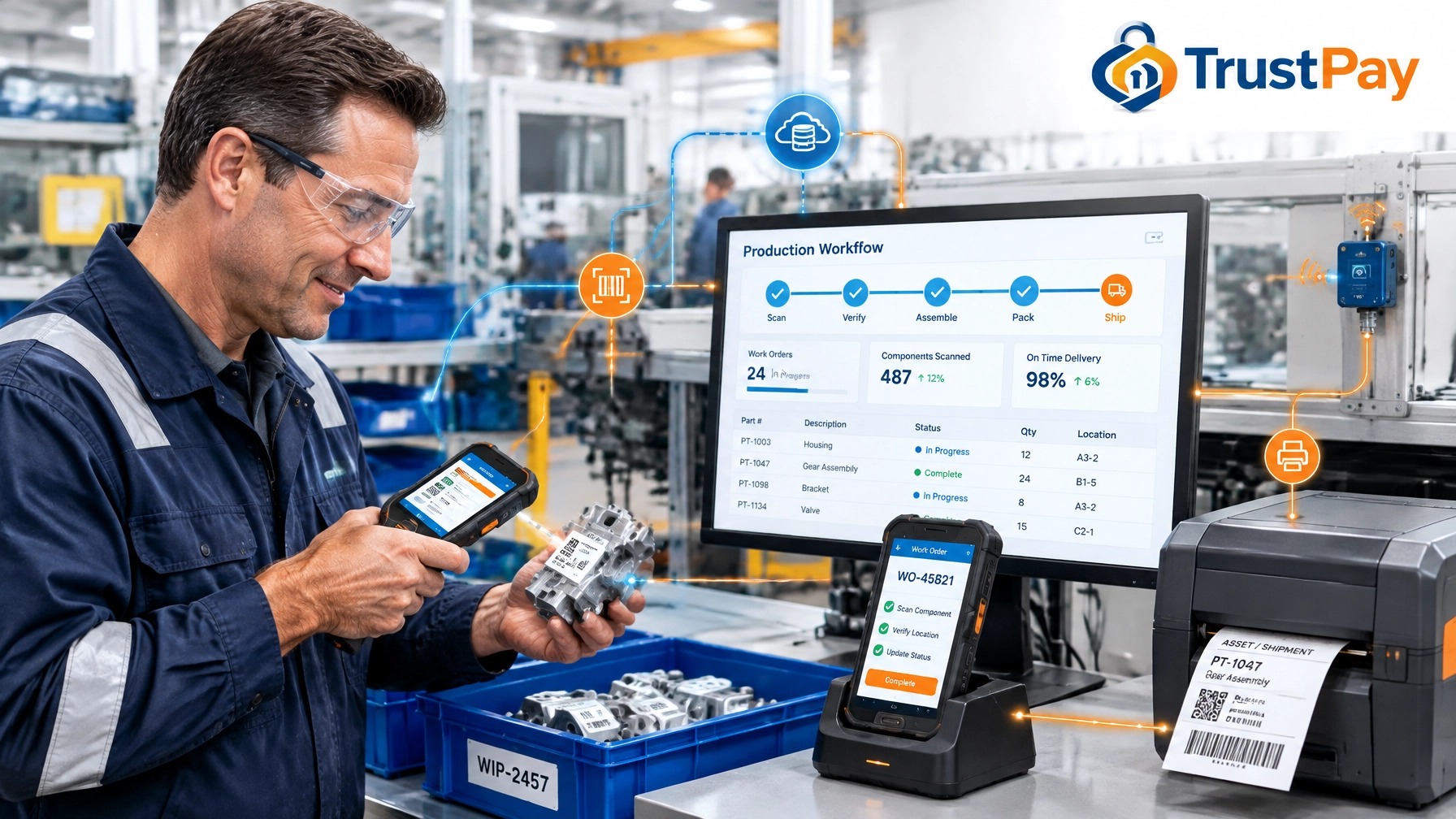
Manufacturing: Follow work as it moves
Scan work-in-progress tags at key production steps. Record quality checks, locate tools and equipment, and update asset status where the work happens. Pair a handheld with a dock, monitor, keyboard, and label printer when a mobile workflow needs a desktop-style station.
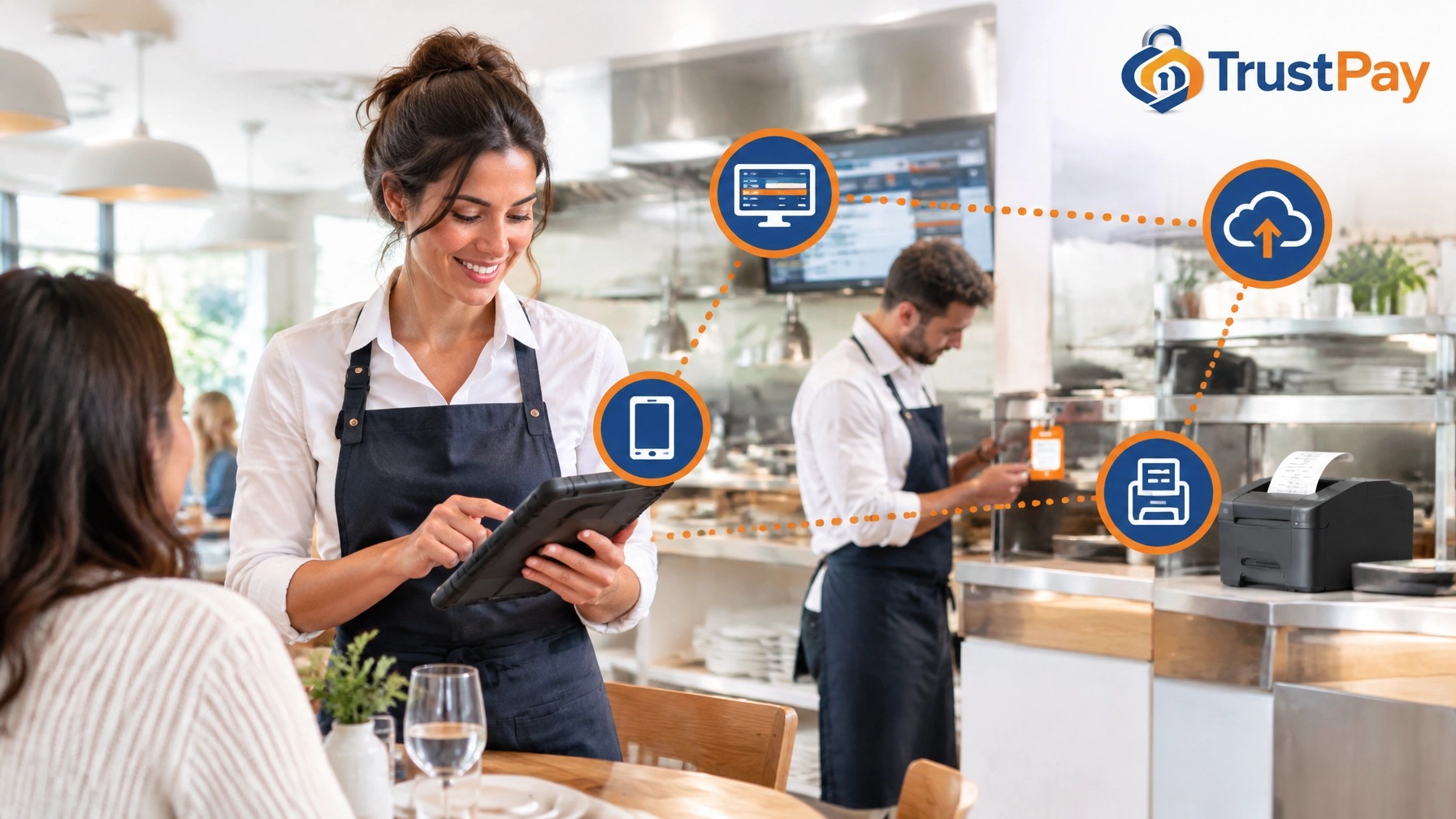
Hospitality: Keep service moving
Take orders and payment tableside. Track equipment and housekeeping tasks with mobile scans. Connect ordering to POS software and kitchen display systems so teams can act on current information instead of waiting for updates to travel between stations.
Mobility and logistics: Capture every handoff
Record proof of delivery, scan parcels along routes, and keep fleet and asset information current. Mobile devices give staff a practical way to update status at pickup, transfer, and delivery without relying on a later office-based entry.
Choose capabilities for real workflows
A device should reduce steps, not add them. Match the hardware to what employees need to see, scan, print, and connect.
- Select a readable screen: Larger HD displays make forms, work orders, and inventory lists easier to use on the move.
- Scan efficiently: Built-in 1D and 2D barcode scanners support reliable product and asset capture.
- Add RFID where it pays off: Integrated UHF RFID readers or attachable reader accessories can support faster counts and item identification.
- Protect devices in the field: Rugged enterprise models offer features such as IP65 or IP67 protection ratings. Check the exact rating and operating conditions for the device you select.
- Keep teams connected: Depending on model, Wi-Fi 6E or Wi-Fi 7 and 5G can support responsive workflows across facilities and on the move.
- Print at the point of work: Mobile or industrial printers can generate labels, receipts, and RFID tags when teams need them.
- Dock for deeper work: A compatible dock can connect a handheld to larger displays and peripherals, turning it into a workstation for longer tasks.
RFID expands what teams can capture. GS1 guidance describes how RAIN RFID can identify multiple tagged items without direct line of sight, depending on the use case and setup. Some deployments cite potential throughput above 20,000 items per hour, compared with roughly 250 manual barcode scans per hour. Treat those as deployment-dependent benchmarks, not guaranteed device speeds. Tag design, reader placement, item density, and the operating environment all matter. Barcodes remain useful, and the best choice depends on the workflow.
Connect devices to the systems that run the business
A handheld becomes more valuable when each scan updates a useful business record. Connect mobile applications to POS and ERP workflows through supported APIs and integration services. Add docks, printers, scanners, RFID readers, and other IoT-connected components where they remove a real bottleneck.
The goal is one dependable data environment: inventory changes at the shelf, production activity on the line, a sale at the counter, and payment reporting in the same operational picture. Integration still requires planning. Confirm which device models, peripherals, APIs, and software workflows are supported before rolling out a fleet.
Choose Android with security and management in mind
Android's app ecosystem gives businesses room to select tools for different roles without rebuilding the entire device strategy each time. Enterprise devices can also support centrally managed over-the-air updates, helping administrators plan device maintenance at scale.
Build security into the selection process. Verify GMS certification when your applications depend on Google Mobile Services. Test Android 13 and later applications for scoped-storage behavior and permissions using the Android storage guidance and Android 13 behavior changes. Confirm device-management and update policies against the Android Enterprise system-update documentation. Certification, security settings, and update delivery depend on the specific device and configuration.
Build the data foundation for 2030
AI-powered forecasting, computer-vision inventory, and predictive maintenance depend on reliable operational data. A scan needs to identify the right item, location, time, and action. IoT-connected Android devices can help capture those events consistently and move them into the systems that teams already use.
That makes device planning a business decision, not just a hardware purchase. Start with repeatable data capture. Connect it to POS and ERP. Then add automation and AI tools where the data can support better decisions.
The TrustPay.us difference: Devices connected to payment value
TrustPay.us helps businesses match trusted rugged Android AIDC and RFID devices to real workflows, then plan how those devices fit into a connected payment and operations environment. The payment layer supports cards and cryptocurrency from one platform, alongside ACH at 0.8%, next-day funding, and cash discount and dual pricing options.
Here is where the same device earns twice. The smart mobile that scans inventory can also accept payment: crypto at the counter or in the field, QR codes, cards, and digital wallets, with zero chargebacks on crypto and instant settlement or conversion to USD. For teams working away from a fixed register, that capability is the bridge to SoftPOS: turn an already-deployed Android device into a payment terminal and give the retailer or B2B collector more control over when, where, and how money arrives.
On $20,000 a month, cards at 2.9% cost $580 while TrustPay.us ACH at 0.8% costs $160. That is $420 kept every month and roughly $5,040 a year.
Merchants processing $1.5 million or more annually can routinely lose $50,000 or more across processing spread, fragmented hardware and software, and card fees on payments that belong on ACH. Fragmented device fleets are a major source of that loss: duplicated tools, extra work, and missed opportunities to route payments efficiently.
TrustPay.us brings device selection and integration know-how together with POS software, cloud reporting, KDS integration, self-order kiosks, gift and loyalty tools, transparent pricing, high-risk support, and 24/7 human support. The goal is to match the device to the workflow while keeping the payment layer processor-independent.
Build Your Next Device Fleet With TrustPay.us
Stop treating devices as disconnected purchases. Build an operations ecosystem that captures work, connects systems, takes payment on the go, and protects every margin.
The same Android device that scans your shelf today can carry your crypto, QR, card, and wallet payments tomorrow. That is SoftPOS territory, and it is the most direct path to payment acceptance on the go with the control staying in your hands.
Talk with TrustPay.us about devices and integration
Industry methodology and references
Industry methodology: numerical scenarios are illustrative unless a named source and method are supplied; they are not measured TrustPay customer outcomes. Calculate card cost using the actual invoice value and quoted rate, then include transaction, platform, return, conversion and settlement charges for alternatives. ACH requires authorization and can be returned. Crypto finality is not a guarantee against fraud, refunds or payout delays. Cash discount, dual pricing and surcharging are distinct programs subject to applicable rules. Implementation and savings depend on the business, customer adoption and actual contract.
Which payment workflow fits the industry problem?
Compare the full cost of cards, suitable ACH payments and optional crypto acceptance. Start with the actual fee schedule, customer payment preferences and settlement needs.
Get Your Free Quote →